The JDE Connection: Episode 70 – Breaking Down the Building Blocks of Automation in JD Edwards
-
Posted by Quest Editor
- Last updated 10/09/25
- Share
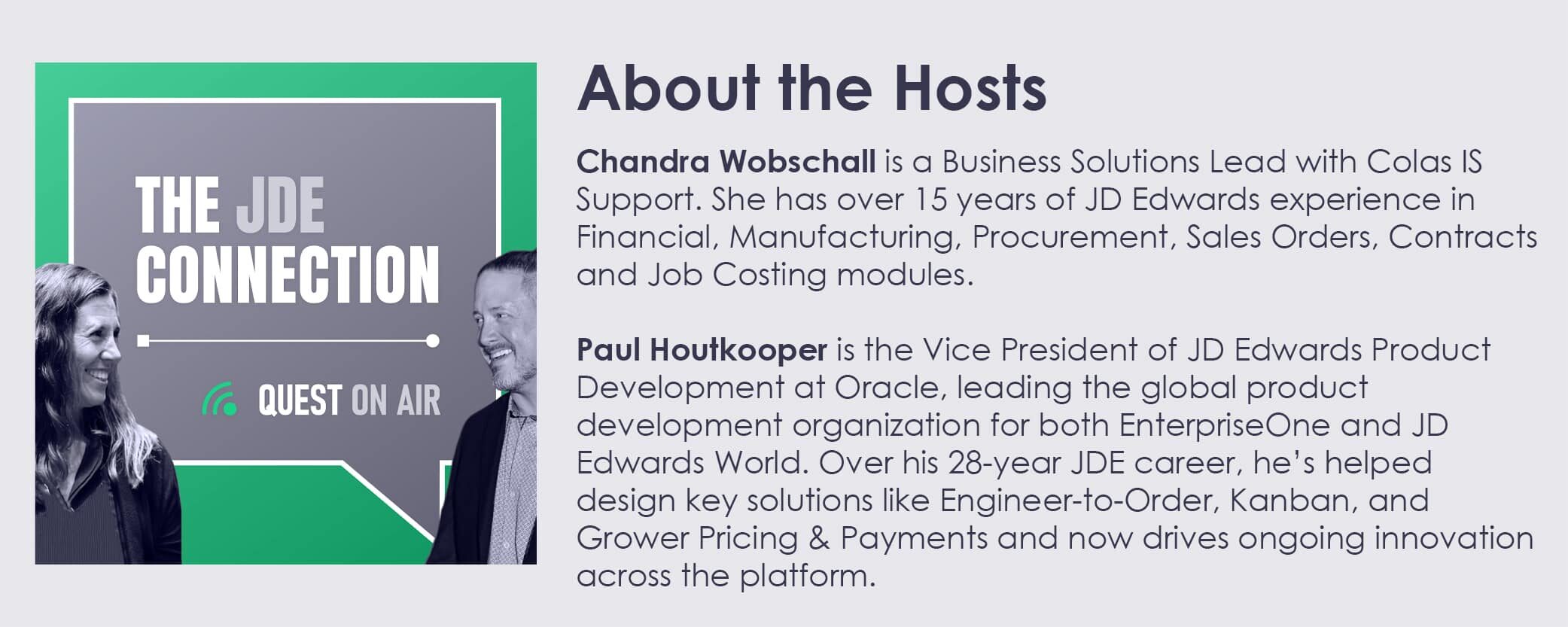
Hosted by Chandra Wobschall and Paul Houtkooper
Hey JDE Connection listeners — we’re back with part two of our Orchestrator mini-series. Last week, we walked through the resources available to help you get started. This week, we’re going a step further by introducing the key components that make up an orchestration — the tools in the toolbox, so to speak.
We’re not going deep into technical setup (no popcorn-worthy engineering debate this time), but if you’ve ever wondered what a form request actually is or what a watchlist has to do with automation, this episode’s for you.
First Things First: Are You Set Up for Orchestrator?
Before diving in, we covered a few important prerequisites:
- You need to be on Tools Release 9.2.4 or higher
- AIS (Application Interface Services) must be installed and configured
- Orchestrator and related UDO security must be enabled (Episode 67 covers UDO Security)
- Check with your CNC or system admin about trusted nodes and keystore configuration — we’re not the experts on that part
Now, onto the components.
The Core Components of an Orchestration
Here’s a high-level tour of the building blocks that power orchestrations:
Form Request
Think of this like an Excel macro. You record your interactions in JD Edwards using the process recorder, and it captures those steps into a reusable form request. It’s great for automating manual tasks without custom code.
Data Request
Instead of clicking through grids and filters, pull data directly from the database — with security and formatting applied. It’s faster, cleaner, and still respects your row and column security.
Report Request
Want to run UBEs as part of your orchestration? Report requests let you do that — specifying version, data selection, and sequencing, just like you would in Batch Versions.
Watchlist Request
Keep an eye on conditions in your system — like thresholds or critical statuses — and return key information like row counts or trigger values. Perfect for proactive alerting.
Connector Request
Link one orchestration to another, or call a notification mid-process. Connectors allow you to break down complex flows into modular pieces.
Custom Request
Need something the standard components can’t handle? Use Groovy or Java to inject custom code. Just don’t blame us if your code gets too clever.
Message Request
Send emails with dynamic content pulled from orchestration data. Great for notifying users, providing links, or triggering follow-up actions.
Rule Request
Add logic to your orchestration: If this, do that. Whether it’s evaluating success/failure, filtering data, or branching steps, rules add smart decision-making to your flows.
Cross Reference
Map values between systems or datasets. Useful for aligning external inputs to JDE formats or converting codes and identifiers.
White List
A basic security gate to validate incoming message signatures. Not flashy, but important.
Schedule
Automate your automation. Set your orchestration to run hourly, daily, or on any schedule that supports your business processes.
Putting It All Together
We talked about how these components allow you to build orchestrations that can:
- Monitor your system
- Evaluate conditions
- Take action
- Notify stakeholders
In other words, embedded automation without custom code. It’s powerful stuff, and it’s all native to JD Edwards.
Midwesternism of the Day
Sometimes you need to slow down, step back, and do things right. Whether you’re rushing to build an orchestration or jumping into a project without all the details, take a breath. During times like these, Chandra’s dad used to use this Midwestern colloquialism to hit the pause button.
Got a question about Orchestrator components? Want to share a success story or a clever use case? Drop us a line at thejdeconnection@questoraclecommunity.org.
Until next time, let’s keep learning, sharing, and most importantly, laughing together.
Toodles!

Missed an episode? Check out the full episode list! Also, be sure to subscribe on your favorite podcast provider, or select a provider below!
 |  |  |  |
Learn More
Quest Oracle Community is where you learn. Ask questions, find answers, swap stories and connect to other JD Edwards customers and product experts in the JD Edwards Community, where you can also check out what’s happening in the Business Analyst SIG.

